How to Remove Yourself from Data Brokers in 2026: The Complete Guide
Your name, home address, phone number, email, age, relatives, and estimated income are probably listed on dozens of websites right now. Not because you put them there — because data brokers did.
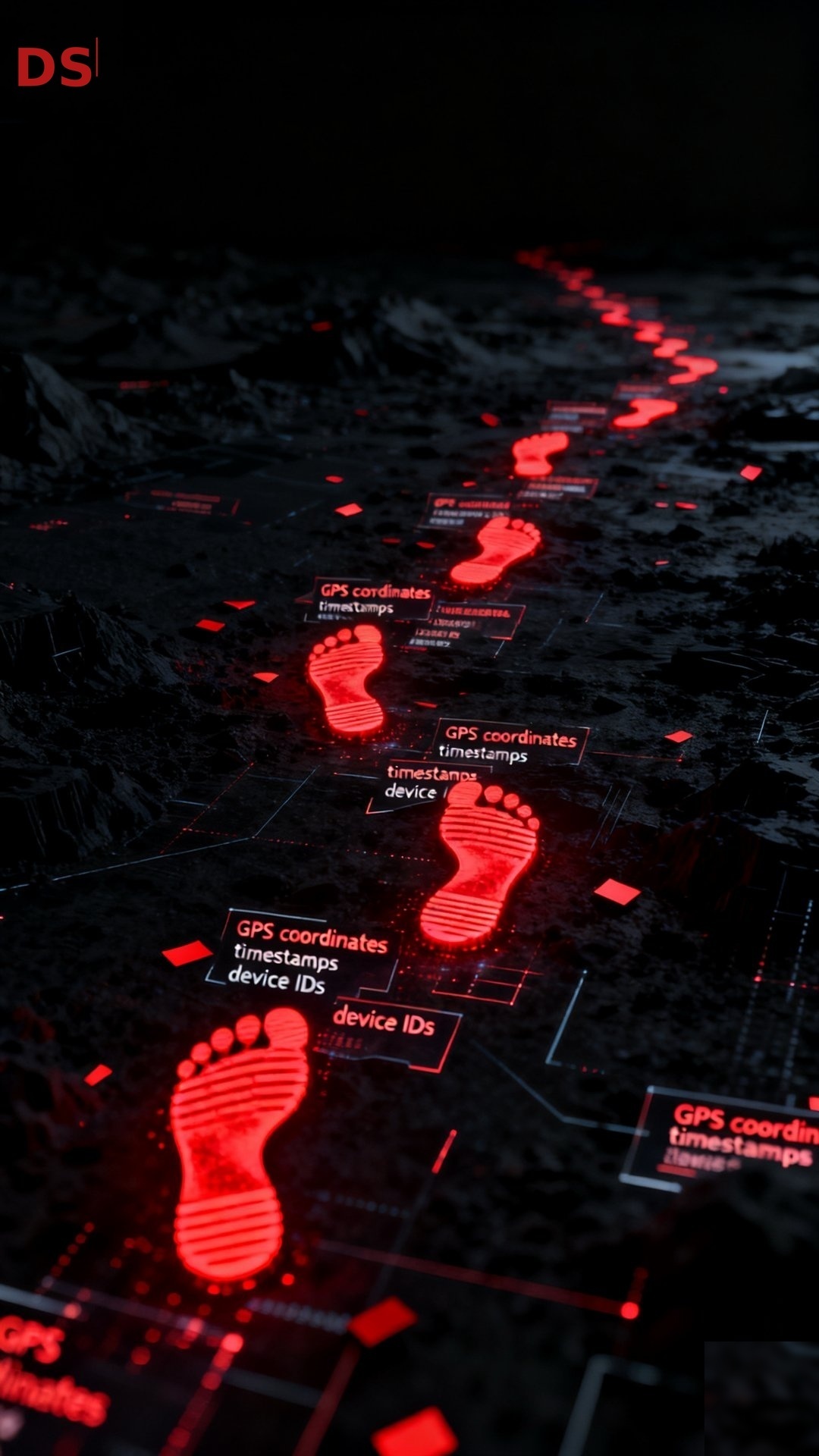
Data brokers are companies that collect personal information from public records, social media, purchase histories, and other sources, then package it into profiles and sell it to anyone willing to pay. There are over 500 registered data brokers in California alone, and thousands more nationwide. The result is that anyone — a stalker, a scammer, a nosy coworker — can search your name and find your home address in under 30 seconds.
The good news: you can remove yourself. The bad news: it takes work.
This guide walks you through the process of removing your personal information from the most common data broker and people-search sites in 2026, step by step. We've tested every opt-out process ourselves and documented exactly what's required.
Step 1: See What's Out There
Before you start removing anything, you need to know how exposed you are. Search for yourself on these sites:
Search your full name (in quotes) on Google. Add your city or state to narrow results. Click through the first three pages. You'll likely find listings on sites you've never heard of. Check the major people-search sites directly. These are the ones that appear most frequently in search results and pose the highest risk because they display your data publicly:- Spokeo.com
- BeenVerified.com
- WhitePages.com
- TruePeopleSearch.com
- FastPeopleSearch.com
- Radaris.com
- MyLife.com
- PeopleFinders.com
- Intelius.com
- ThatsThem.com
Search your name on each. Take note of which ones have your current address, phone number, and relatives listed. These are your priority removals.
Step 2: Understand How Opt-Outs Work
Every data broker has a different removal process, but most follow a similar pattern: you find their opt-out page, submit a request with your information, verify your identity (usually by email or phone), and wait for processing.
Some things to know before you start:
You'll need a burner email. Many opt-out forms require an email address, and some will add it to their records. Create a dedicated email just for opt-outs — something on ProtonMail or Tutanota that isn't tied to your real identity. Some sites make it deliberately difficult. MyLife requires you to call a phone number. Whitepages Premium makes you create an account. Radaris has a multi-step process that changes frequently. This isn't accidental — these companies make money from your data, so they have an incentive to make removal as frustrating as possible. Removal is rarely permanent. Data brokers refresh their databases from public records and other sources. Even after you successfully opt out, your information can reappear weeks or months later. This is the single biggest frustration in the data broker removal process, and it's why ongoing monitoring matters.Step 3: Start With the Easy Ones
Some sites have straightforward opt-out processes that take under five minutes. Start here to build momentum:
ThatsThem.com — Go to thatsthem.com/optout. Search for your listing, click "Remove my listing," and it processes within 24-48 hours. No email verification required. FastPeopleSearch.com — Visit fastpeoplesearch.com/removal. Find your listing, click "Remove this record," confirm the removal, and it's processed quickly. One of the fastest removals available. CyberBackgroundChecks.com — Navigate to cyberbackgroundchecks.com/removal. Search for your listing and submit the removal request. Straightforward and quick. Nuwber.com — Go to nuwber.com/removal. Find your record, request removal, and verify via email. Simple process.These four sites alone probably account for a significant portion of your exposure. Removing them first reduces your risk immediately while you tackle the harder ones.
Step 4: Tackle the Medium-Difficulty Sites
These sites require a bit more effort — usually email verification, CAPTCHA solving, or multi-step forms:
Spokeo.com — Visit spokeo.com/optout. Enter the URL of your Spokeo profile (search for yourself first to find it), provide your email, solve the CAPTCHA, and confirm via the email link. BeenVerified.com — Go to beenverified.com/app/optout. Search for your listing, select it, and request removal. BeenVerified also owns PeopleLooker, NeighborWho, and Ownerly — opting out of BeenVerified should remove you from all four, but verify independently. Radaris.com — Visit radaris.com and search for your profile. Click "Control Info" then "Remove Information." Radaris may require account creation or additional verification steps, and their process changes frequently. PeopleFinders.com — Go to peoplefinders.com/opt-out. Search for your listing and submit the opt-out form. Straightforward but processing can take a few days. Intelius.com — Visit intelius.com/opt-out. Intelius owns TruthFinder, Instant Checkmate, and PeopleConnect — opting out of Intelius should cascade to these affiliated sites. TruePeopleSearch.com — Navigate to truepeoplesearch.com/removal. Find your listing, click "Remove this record," and follow the verification steps.Step 5: Handle the Difficult Ones
These sites have the most frustrating opt-out processes:
MyLife.com — MyLife requires a phone call to (888) 704-1900 to process your removal. Expect to be on hold. Tell them you want to remove your public profile. They may try to upsell you on their "reputation monitoring" service. Decline and insist on removal. Whitepages.com (Free) — Visit whitepages.com/suppression-requests. Find your listing, select it, and submit a removal request. Requires phone verification via an automated call. Whitepages Premium — This is separate from the free Whitepages listing. Visit whitepages.com and search for your premium profile. You'll need to create an account to access removal options, which feels counterintuitive — but it's the only path.Step 6: Don't Forget the Affiliate Networks
Data brokers operate in networks. Removing yourself from one site often — but not always — removes you from affiliated sites. The two biggest networks:
BeenVerified network: BeenVerified, PeopleLooker, NeighborWho, Ownerly. Opt out of BeenVerified first, then verify the others. Intelius network: Intelius, TruthFinder, Instant Checkmate, PeopleConnect, iSearch, Zabasearch. Opt out of Intelius first, then verify.After opting out of the parent company, wait 7-10 days and then check the affiliate sites directly. If your listing still appears, submit separate opt-out requests for each.
Step 7: Set Up a Verification Schedule
Because data brokers can re-list your information, removing yourself once isn't enough. Set a calendar reminder to check back:
30 days after initial removal: Re-search yourself on every site you opted out of. Re-submit any listings that have reappeared. Every 90 days ongoing: Do a full sweep. New data brokers emerge, and existing ones refresh their databases continuously.This is the part most people give up on. The initial removal takes 2-4 hours of focused work. The ongoing monitoring takes 30-60 minutes every quarter — but if you don't do it, your data will slowly reappear.
The 2026 Landscape: California's DROP and What It Means for Everyone Else
California launched a game-changing tool in January 2026: the Delete Request and Opt-out Platform, or DROP. If you're a California resident, you can now submit a single deletion request that goes to every registered data broker in the state — over 500 companies. Data brokers must start processing these requests by August 2026.
This is a massive step forward — but it only works for Californians. If you live in Alaska, Texas, Florida, or any of the other 44 states without comprehensive deletion mechanisms, you're still on your own, submitting individual opt-outs one at a time.
There's an argument that California's DROP will eventually pressure other states to adopt similar tools. But "eventually" doesn't help you today.
When to Consider Professional Help
If you've read this far and thought "this is a lot of work," you're right. The manual process takes most people 15-20 hours for the initial round, and that's before ongoing monitoring.
Professional data removal services exist on a spectrum. Automated services like DeleteMe and Incogni cover hundreds of sites but rely on scripts that can fail silently — you don't always know if a removal actually went through. They also don't cover facial recognition databases, social media hardening, or the people-search sites that require phone calls or manual intervention.
At Dark Scrub, we take a different approach. We handle the removal process manually and verify every single opt-out. Our operators watch each removal process through to confirmation, handle the phone calls, solve the CAPTCHAs, and re-submit anything that gets re-listed. We also offer services no automated tool can touch — facial recognition database opt-outs, photo exposure audits, and social media privacy hardening.
If your situation involves safety concerns — stalking, domestic violence, custody disputes — we prioritize your case and work on an accelerated timeline.
Our service tiers start at $99 for targeted removal from the top 10 highest-risk sites, up to $599 for our comprehensive Ghost Protocol, which includes everything in this guide plus facial recognition protection, IoT surveillance auditing, and a communication lockdown.The Bottom Line
Your personal information is on data broker sites right now. Removing it is tedious, repetitive, and never truly finished. But it matters — because the alternative is leaving your home address, phone number, and family relationships publicly searchable by anyone with an internet connection.
Whether you do it yourself or hire someone, the important thing is to start.
Dark Scrub is a privacy consulting service that specializes in data broker removal, facial recognition countermeasures, and digital privacy auditing. Learn more at darkscrub.com.
Too much work? We handle all of this for you — verified, encrypted, and thorough.
View Service Tiers